
Anyone with a route already planned in Google Maps
Import a Google Maps route
Paste a Google Maps directions link and Tarmac turns it into a proper drive route you can share with your group.
The problem
Friends send Google Maps links, but Google Maps reroutes freely, has no group roles and limits the number of stops.
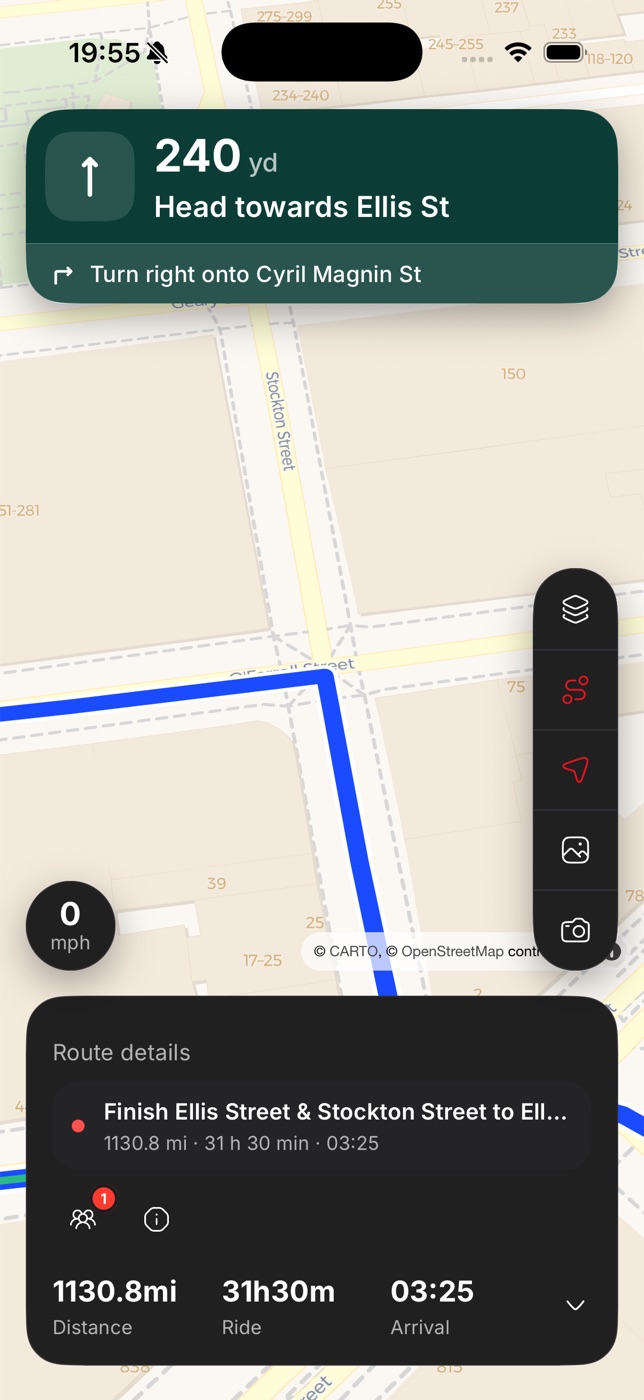
How Tarmac helps
How it works
- Step 1
Paste the link
Tarmac reads documented Google Maps directions URLs and previews the stops.
- Step 2
Refine it
Convert places into stop, via or shaping points and adjust the line where you want it.
- Step 3
Export honest legs
Need Google Maps for someone? Tarmac exports the route leg by leg — Leg 2 of 5 — so nothing is silently dropped.
FAQ
Questions people ask
Will the route match exactly?+
Tarmac rebuilds the route through your stops. Add shaping points if you need a specific road.
Which links work?+
Standard Google Maps directions links with an origin, destination and waypoints.
Does Tarmac use Google for navigation?+
No. Google Maps is for import and export only; Tarmac owns the route and uses Mapbox for maps and navigation.
Explore more features
Twisty route planner
Compare the fastest route with the twisty one, side by side, and pick the drive you actually want.
Motorcycle route planner for the UK
Plan UK bike routes with stops, fuel and cafés, then drive them with turn-by-turn that doesn't reroute behind your back.
Lead and sweep roles
Organiser, lead, driver and sweep — Tarmac gives each role the controls and view it needs.